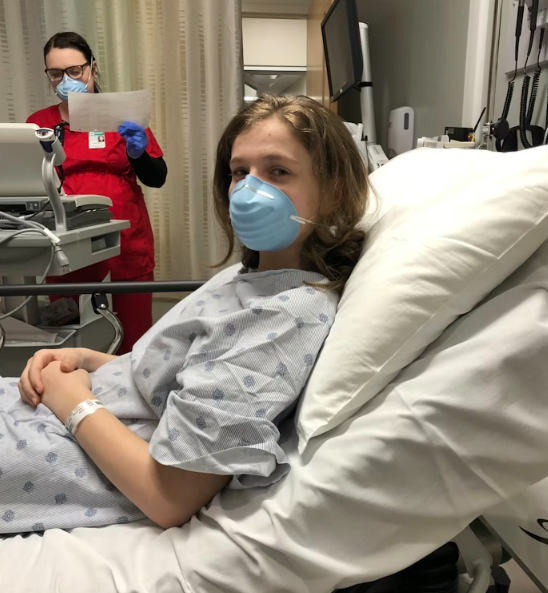

Winter brings colds, flu, and aches. You may choose a virtual doctor appointment to stay warm and safe. You can get great care if you prepare well. A clear plan helps your doctor act fast and give better advice. Use these steps to get ready before your visit.
How to Prepare for a Winter Telemedicine Visit
1. Set Up Your Space Before the Call
Choose a quiet room. Sit near good light. Face the camera. Reduce noise around you. Close other apps on your phone or computer. A calm space helps your doctor focus.
Test your internet. Check your camera and mic. Log in early. You avoid stress when the visit starts on time. You show respect for your doctor’s time.

2. Write Down Your Symptoms Clearly
Winter illnesses share many signs. You need to explain your symptoms with care. Write them down before the call.
Note when symptoms started. Track changes over time. Mention fever, chills, cough, or pain. Share details about sleep, appetite, and energy. Clear details help during an online doctor consultation.
Avoid vague words. Say “sharp chest pain” instead of “bad pain.” Say “dry cough at night” instead of “cough.” Clear words lead to better care.
3. Track Your Temperature and Vitals
Take your temperature before the visit. Write it down. If you own a blood pressure monitor or pulse oximeter, record those numbers.
Share these numbers during your online doctor visits. Numbers give your doctor facts to work with. Facts help your doctor decide the next steps faster.
4. Prepare Your Medication List
List every medicine you take. Include prescriptions, vitamins, and herbs. Write the dose and schedule. Do not rely on memory.
Winter meds often overlap. Cold and flu drugs may interact with other pills. Your doctor needs full details to avoid problems.
Keep the list handy. You can read it during the visit. This step saves time and avoids errors.
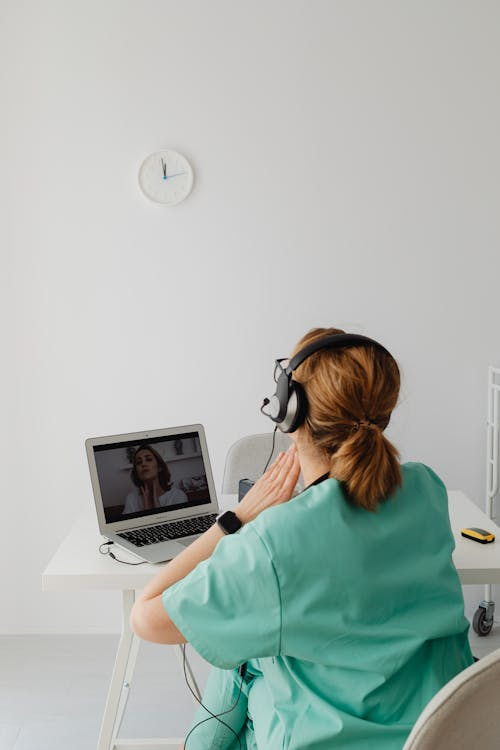
5. Review Your Medical History
Think about past illnesses. Note chronic issues like asthma or diabetes. Mention recent hospital visits or tests.
Winter can worsen some conditions. Your doctor needs context to give safe advice. Share allergies and past reactions too.
This step matters when you speak to a doctor online. Your doctor cannot see your full chart unless you share it.
6. Take Photos If Needed
Some winter issues show on the skin. Rashes, swelling, or redness need visuals. Take clear photos before the visit.
Use good light. Take more than one angle. Save them on your device. Upload them when the platform allows an online chat with a doctor.
Photos help your doctor spot details you may miss.
7. Dress for Easy Checks
Wear loose clothes. You may need to show your throat, arms, or legs. Simple clothing speeds the exam.
Keep a flashlight nearby. You can use your phone light to show your throat or nose. Small steps improve clarity.
8. Prepare Questions in Advance
Write your questions before the visit. Winter visits move fast. A list keeps you focused.
Ask about treatment options. Ask about recovery time. Ask when to seek in-person care. Clear questions lead to clear answers.
9. Know Your Goals for the Visit
Decide what you want from the visit. Do you want relief from symptoms? Do you need a work note? Do you need advice only?
Share your goal early. Your doctor can guide the visit better. You both save time and effort.
10. Follow Up After the Visit
Write down instructions right away. Set reminders for meds. Watch symptoms over time.
Contact support if symptoms change. Winter illnesses can shift fast. Stay alert and proactive.
11. Keep Your Technology Ready for a Smooth Visit
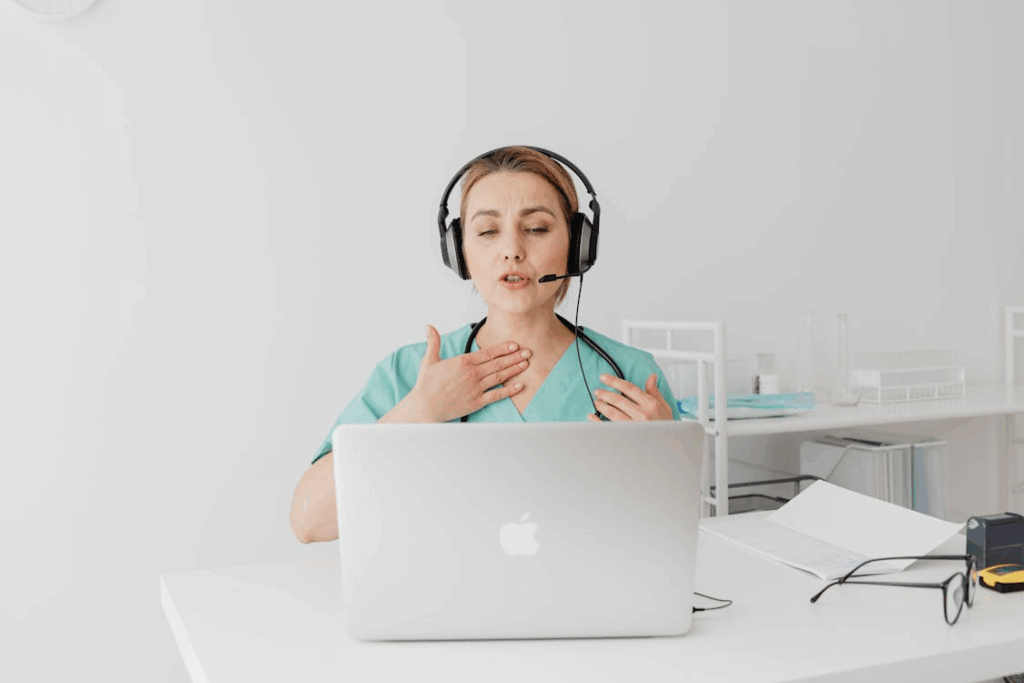
Technical issues can ruin a virtual doctor appointment if you are unprepared. Test your device ahead of time. Ensure your computer, tablet, or smartphone has enough battery or is plugged in. Update the telemedicine app or platform before your online doctor consultation to avoid last-minute errors.
Check your internet connection. A slow connection can freeze video or distort audio, making it hard for your doctor to evaluate symptoms. Use a wired connection if possible, or sit close to your Wi-Fi router.
Have your login details ready. Keep any confirmation emails or links handy. If the platform allows screen sharing or file uploads, test these features beforehand.
Lastly, gather any tools you might need during the call. A thermometer, blood pressure cuff, or glucose monitor can make the session more effective. Being prepared technologically ensures your online doctor visits run smoothly and efficiently.
Get Winter Care Made Simple with TelMDCare
We built TelMDCare to support easy and reliable virtual care. We help patients connect with trusted online doctors fast. We focus on clear communication and simple steps. We make winter care easier from home. Visit TelMDCare today and take control of your health with confidence.